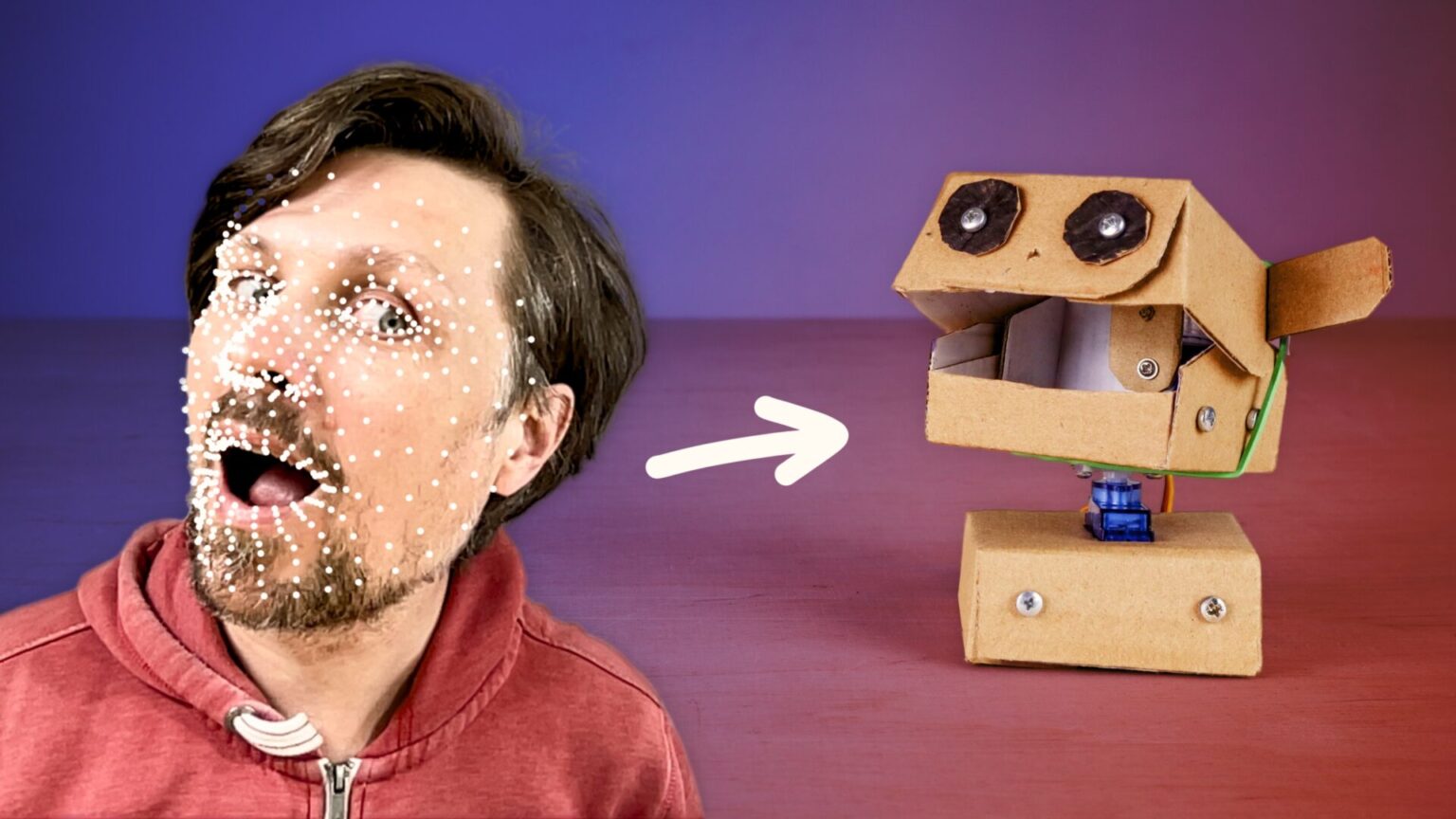
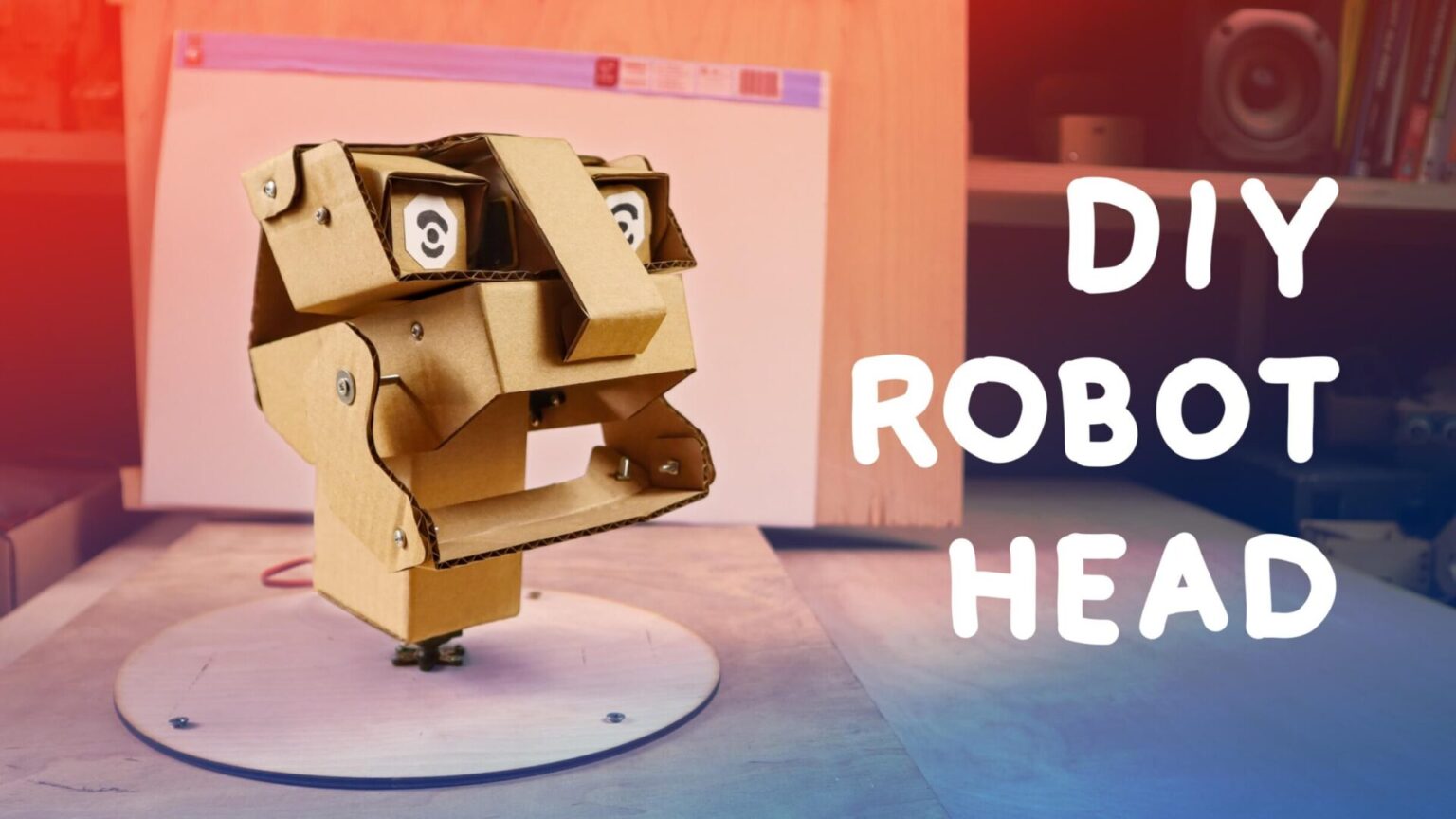
The Calliope Face Robot application lets you control any Calliope mini robot using the position and rotation of your face or even by opening your mouth. With this innovative control method, you can operate your robot project in a completely new and creative way – for example using head movements or facial expressions.
Calliope Face Robot is available as a web application (WEB APP). It runs directly in your browser and communicates with your Calliope mini board via Bluetooth – with no additional software or installation required.
⚠️ Calliope Face Robot requires a browser that supports Web-USB, e.g. Chrome or Edge.
Let's start
The LofiRobot extension provides all the blocks required for communication between the Calliope mini and the Face Robot app. https://github.com/calliope-edu/LofiRobot/

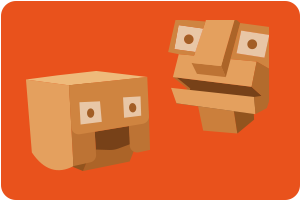
The app tracks your face using the following parameters:
| Parameter | Description | Value range |
| X | Horizontal position | 0-99 |
| Y | Vertical position | 0-99 |
| Yaw | Head rotation left/right | 0-99 |
| Pitch | Head tilt up/down | 0-99 |
| Roll | Head tilt (sideways) | 0-9 |
| Mouth | Mouth opening | 0-99 |
| Left eye | Left eye opening | 0-99 |
| Right eye | Right eye opening | 0-99 |
| Smile | Smile | 0-99 |
| Face visibility | Face detected (1) or not detected (0) | 1 or 0 |
Projects
Small robot heads with up to four servo motors can easily be built using the Servoboard.
If you add a fifth servo motor, things become significantly more complex. Since only up to four servo motors can be used at the same time, you need a programmed switch. Have a look at the sample program.