The LOFI Control App for Calliope mini is a web app that runs directly in your computer or mobile browser and allows you to control your Calliope mini via Bluetooth. The app is available online as a web app, so you don’t need to install anything — just open it!
⚠️ The Control App requires a browser that supports Web-USB, e.g. Chrome or Edge.
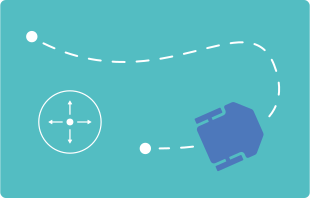
Want to give it a try?
Upload the program to your Calliope mini and control it using the arrow keys, the two sliders, the joystick, or the accelerometer.
Open the LOFI Control App in your browser or on your mobile device, click on the Calliope mini icon in the top right corner, and select your Calliope mini from the Bluetooth list.
How it works
The LofiRobot extension provides all the blocks required for communication between the Calliope mini and the Face Robot app. https://github.com/calliope-edu/LofiRobot/


Adapt the control to your project
The app sends data as simple string commands to the Calliope mini. When the Calliope mini receives these commands, you can use simple if…then queries to program any kind of reaction — this way, the code can easily be adapted to your robot’s design.

Initializes the Bluetooth service.

Reads the transmitted string.

Event is triggered when data is received via Bluetooth.
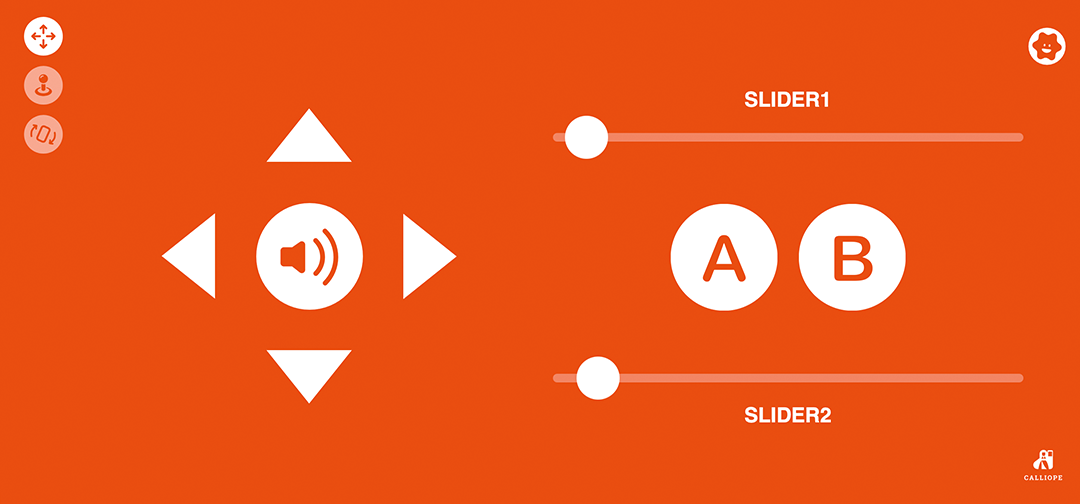
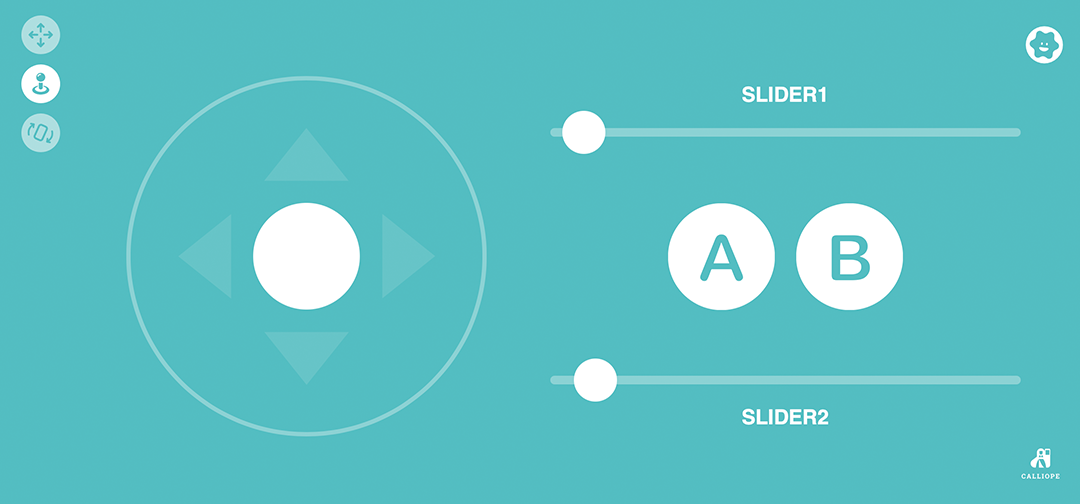
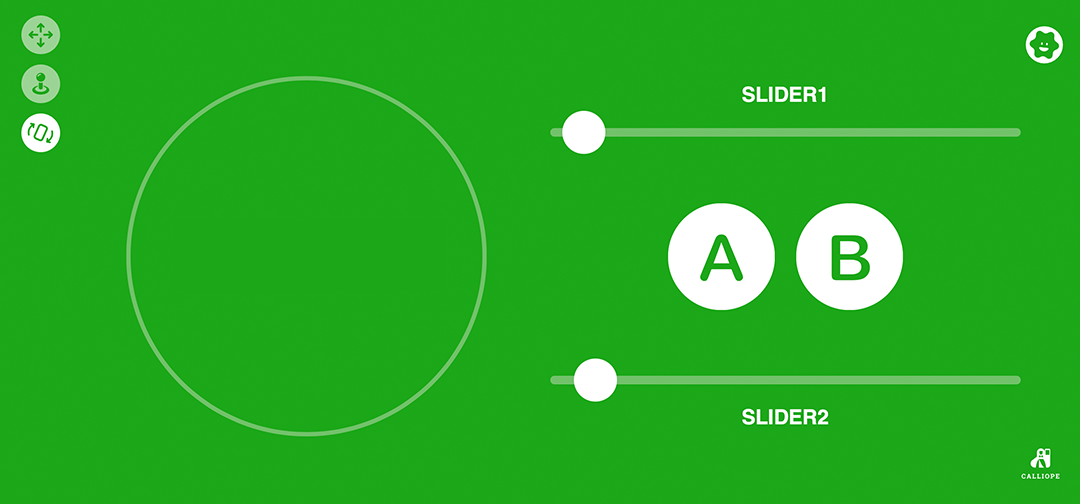
Mode transfer
Arrow keys = "mode_dpad"
Joystick = "mode_analog"
Accelerometer = "mode_accelerometer"
Control via arrow keys
| Input in the app | Transfer to Calliope mini | |
| Arrow up | → | "up" |
| Arrow down | → | "down" |
| Arrow left | → | "left" |
| Arrow right | → | "right" |
| Speaker button | → | "horn" |
| Button on release | → | "stop" |
Control via the sliders
| Slider 1 | → | sends the value (0–180), prefixed with the letter “c”, for example: c0, c100, c180 |
| Slider 2 | → | sends the value (0–180), prefixed with the letter “x”, for example: x0, x100, x180 |
Control via the joystick or the accelerometer
| Joystick/Accelerometer | → | sends values for the X and Y axes (-90 – +90), prefixed with the letter and sign, separated by a comma, e.g.: X-90,Y+05, X+90,Y-05 |

Extracts characters from a range of the string.

Returns the length of the string.

Converts a string into a number.
You can find great examples at LOFI Robot:
Control App by Lofi Robot