


| port: |
Grove: A1 (C16, C17) |
| interface: | analog |
| output values |
dry soil: 0 - 300 |
| Further information: | https://webshop.calliope.cc/Calliope-Feuchtigkeitssensor |
| Order: | https://webshop.calliope.cc/Calliope-Feuchtigkeitssensor |
With the class set for SEK I there is the possibility to develop a plant station. Here, for example, the moisture sensors can be used to check the moisture in a flower pot and water can be added with a pump (or a small container attached to a servo motor) as soon as it is determined that the plant in the pot is too dry.

Makecode
The capacitive moisture sensor measures soil moisture by detecting changes in electrical capacitance. The wetter the soil, the more it influences the electric field, which increases the sensor’s capacitance. Unlike resistive sensors, the metal electrodes do not need to be in direct contact with the soil, preventing corrosion.
Important: The sensor does not provide exact measurements but only indicates whether the soil is becoming wetter or drier. When soil moisture increases, the output value usually decreases. When the soil becomes drier, the value increases.
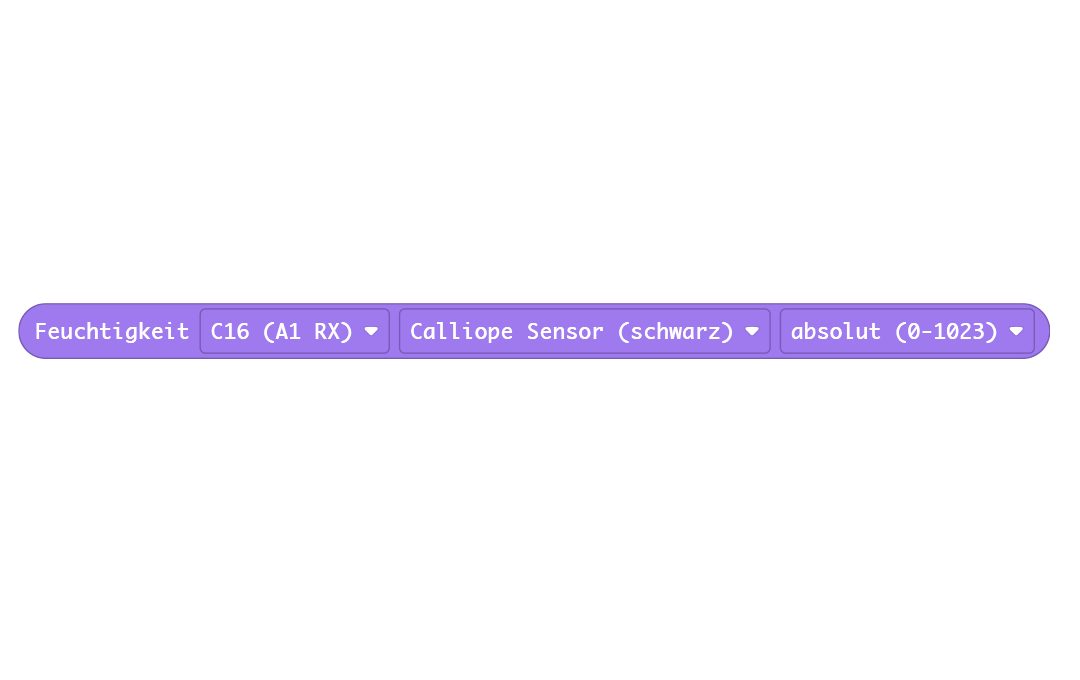
We have adjusted this in the extension so that it provides comparable values on the same scale as the previous sensor.
If you want to display the original measurement values, you can read the analog value directly and do not need to use the Grove extension.
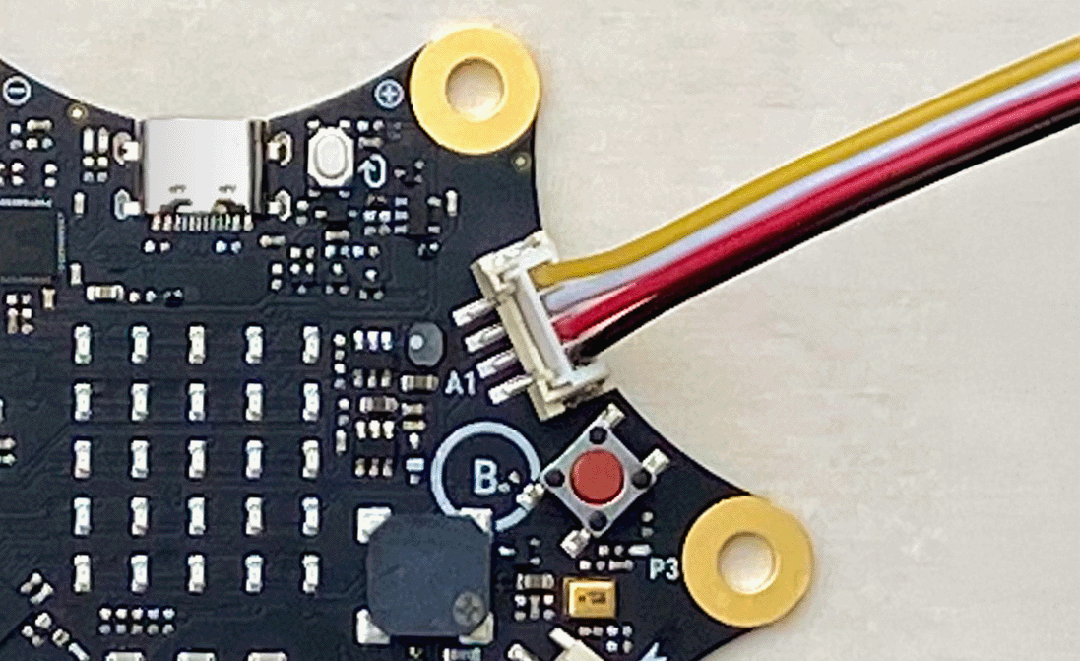
To work with the values of the moisture sensor, you need to read the value of the pin to which the sensor sends its data. In this case, it is pin C16.
The pin blocks can be found under Advanced. There, select the block "analog read from pin P0" and change "P0" to "C16".

Python
The values of the moisture sensor can be read via the Grove pin pin_A1_RX using the function moisture = pin_A1_RX.read_analog()
You can then check the value ranges, for example, for the three states dry, moist, and very moist, and display the status on the Calliope mini’s display:
from calliopemini import *
while True:
    feuchtigkeit = pin_A1_RX.read_analog() # Wert von 0–1023
    if feuchtigkeit < 300:
        display.scroll("trocken")
    elif feuchtigkeit < 600:
        display.scroll("feucht")
    else:
        display.scroll("sehr feucht")
    sleep(1000)